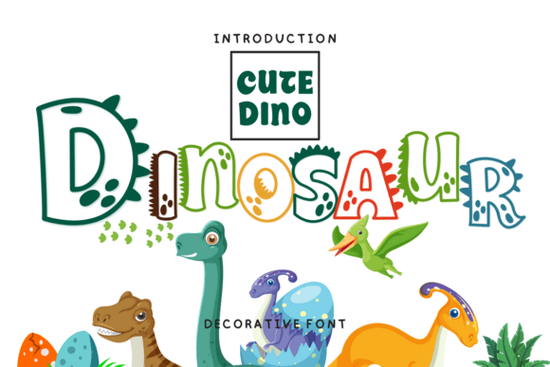
If you are looking to add a playful, prehistoric touch to your next project, the Dinosaur font offers a unique decorative style that stands out. Whether you are designing a birthday invitation for a child or creating a quirky logo for a small business, this typeface brings a fun, hand-drawn feel to your work. It is specifically crafted for projects that need a bit of personality and charm.
What projects work best with this typeface?
When you explore similar playful typefaces, you want something versatile enough to handle multiple applications. This specific design shines in projects aimed at kids, parties, or casual, fun brands. Here are some of the most effective ways to use it:
- Greeting cards and invitations: Perfect for baby showers, kids' birthdays, or themed parties.
- Print-on-demand apparel: Looks great on trendy t-shirts and hoodies aimed at younger audiences.
- Drinkware and mugs: Adds a cozy, whimsical touch to custom coffee mugs.
- Social media graphics: Grabs attention in Instagram stories or Pinterest pins with its bold, quirky letters.
How does it perform for print-on-demand sellers?
For print-on-demand sellers and small business owners, typography is just as important as the graphics. A strong, thematic font can turn a basic design into a steady seller. Because the letters have a distinct, slightly rough edge, they pair beautifully with simple illustrations or standalone text designs. You do not need complex graphics when the text itself carries the visual weight.
Think about targeting specific niches like paleontology enthusiasts, teachers looking for classroom decor, or parents organizing themed events. The bold strokes of the letters ensure the design remains readable even when printed on smaller items like stickers, keychains, or tote bags. Just remember to check the commercial license included with your download to ensure you can use it on physical products you plan to sell.
What are the best tips for pairing it with other fonts?
Since this is a highly decorative display font, pairing it correctly is crucial for readability. If you use it for everything, your design will look cluttered and hard to read.
- Keep body text simple: Pair it with a clean sans-serif like Arial, Helvetica, or Open Sans for any longer paragraphs.
- Limit its use to headings: Use it for main titles, short quotes, or single words. It is not meant for large blocks of text.
- Play with colors: Bright, vibrant colors like greens, oranges, and yellows complement the prehistoric theme, but it also works well in monochrome for a more modern, minimalist look.
How do I install and use it in my design software?
Getting started is straightforward. Once you download the file, extract the ZIP folder to find the standard font files. Double-click the file and select install on your computer. After restarting your design software whether you use Canva, Adobe Illustrator, Cricut Design Space, or Silhouette Studio the typeface will appear in your text tool dropdown menu.
For crafters using vinyl or paper, the thick strokes of this typeface mean you won't have to weed tiny, intricate details, saving you time and frustration during the cutting process. If you are using a cutting machine, make sure to weld or attach the letters properly so they cut as a single layer.
Quick Checklist Before You Publish
- Verify your commercial license covers your intended use, especially for print-on-demand products.
- Test the font size; decorative styles often need to be larger to remain legible.
- Ensure high contrast between the text color and the background.
- Convert text to outlines or paths if sending to a professional printer to prevent compatibility issues.
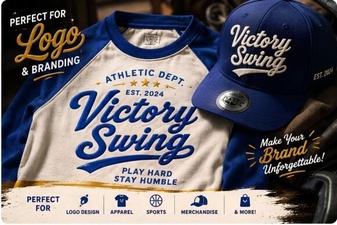 Victory Swing: Font Design & Creative Project Ideas
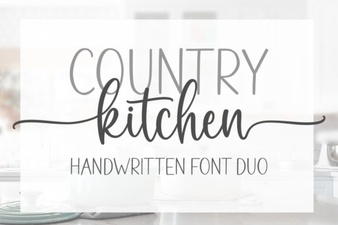 Country Kitchen Font Styles for Creative Projects
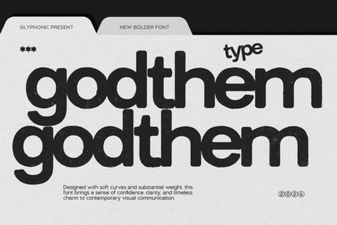 Explore the Creative Design of Godthem Font
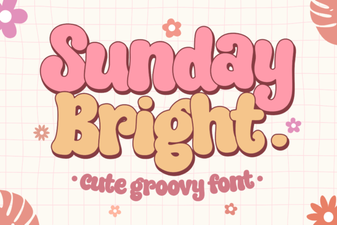 Sunday Bright: a Playful Font for Creative Designs
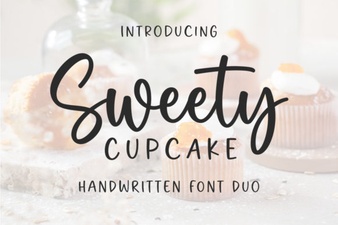 Sweet Cupcake Fonts for Designers
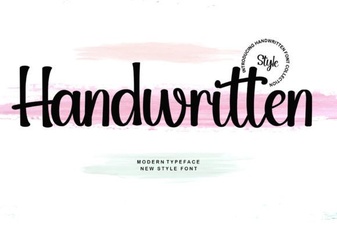 Inspire Your Projects with Handwritten Fonts